
AI Christmas Photo Generator
Create a festive Christmas portrait in seconds. Pick a style, upload a selfie, and generate your holiday look.
1Select a Template
2Upload Your Photo
Upload a photo
Click or drag to upload
Supported formats: JPEG, PNG, WebP
3Your Christmas Photo
Result will appear here
Select a template and upload a photo to start
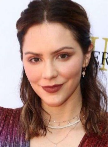
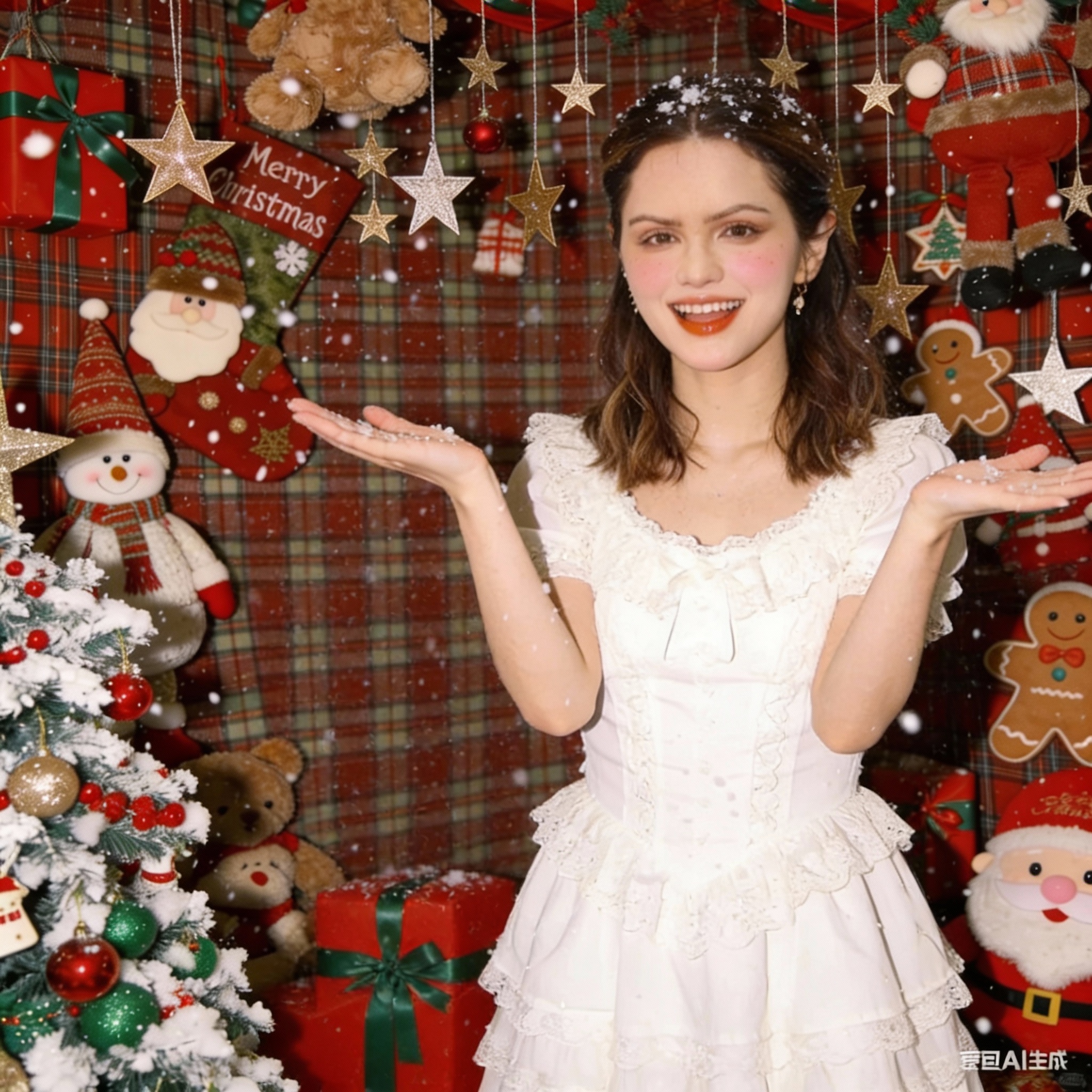
Holiday Background Upgrade
Turn any portrait into a cozy Christmas scene with lights, gifts, and falling snow.
✨ Generated with Holiday AI
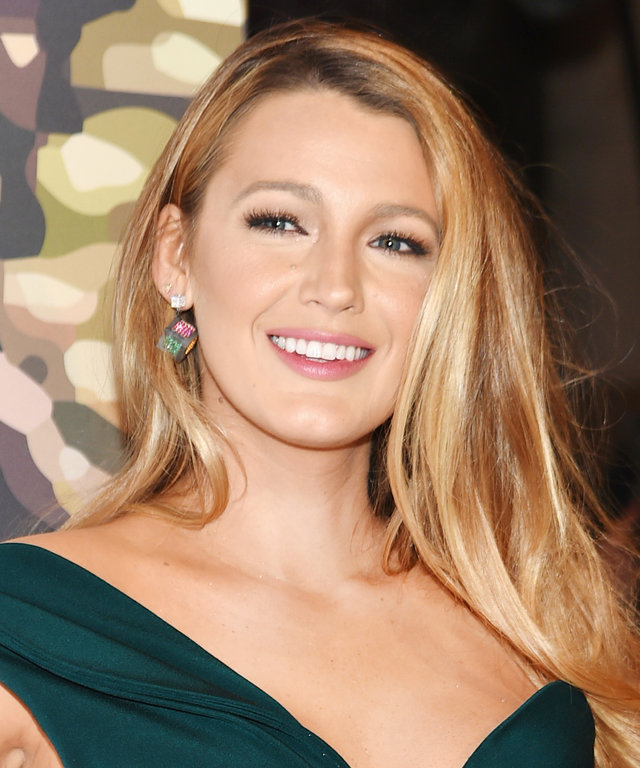
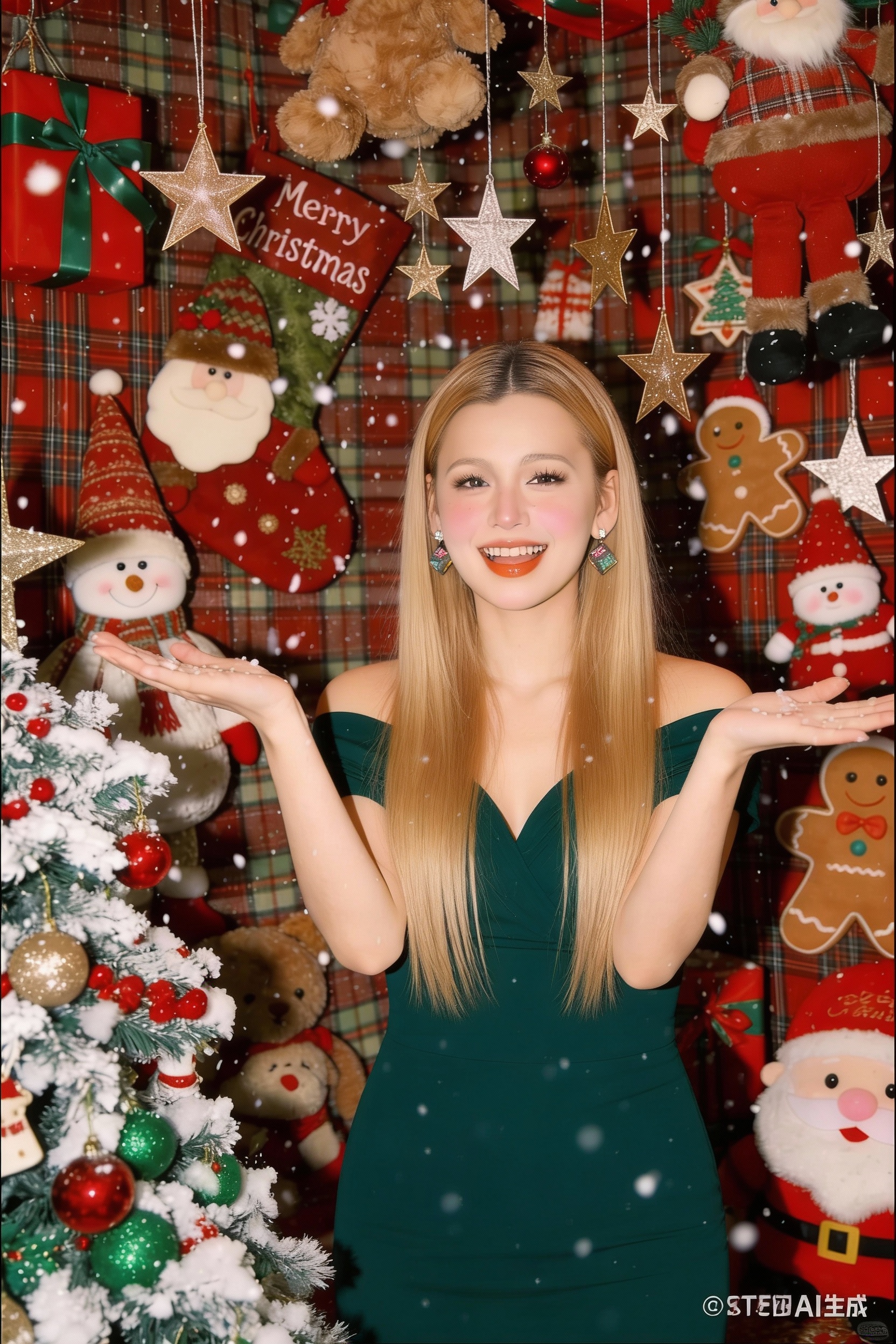
Christmas Studio Portrait
Generate a clean, share-ready festive portrait—no photoshoot, no props, just one upload.
✨ Generated with Holiday AI
Festive Outfit Makeover
Swap everyday clothes for a holiday look and drop into a bright Christmas setting in seconds.
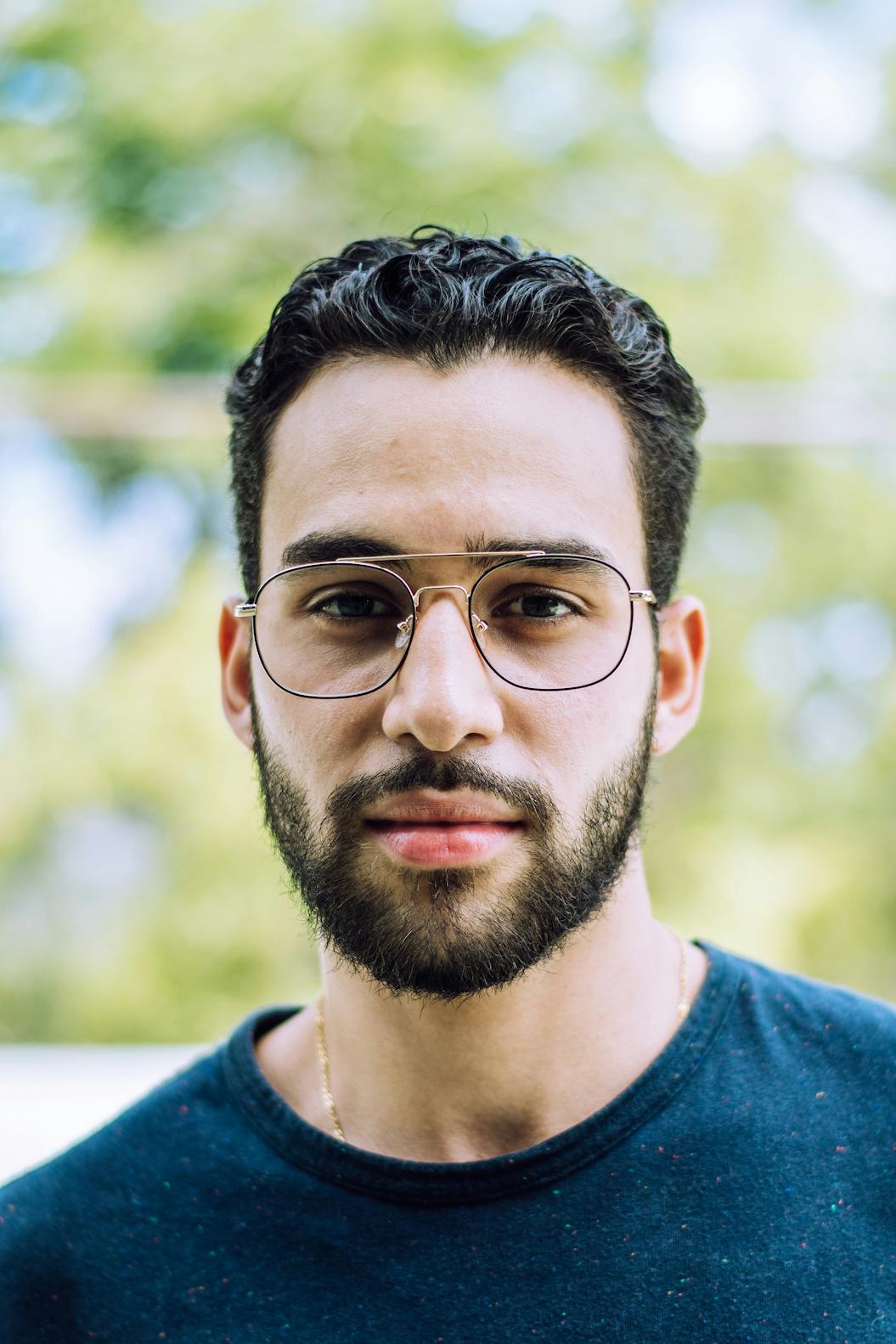

✨ Generated with Holiday AI
What is AI Christmas Photo Generator?
It’s a simple AI tool that turns your selfie into a festive Christmas-style photo. Pick a look, upload a photo, and generate a share-ready image for your profile, cards, or posts.
How to use
Three quick steps to generate your Christmas portrait.
1) Pick a template
Choose the holiday style you want (Santa, elf, and more).
2) Upload a selfie
Use a clear, well-lit face photo for the best results.
3) Generate & download
Click generate, then download your Christmas photo in high quality.
Why use it
Make holiday content faster, easier, and more fun.
Instant holiday makeover
Skip complex photo editing — generate a festive look in seconds.
Share-ready results
Perfect for profile pictures, holiday cards, and social posts.
Designed for speed
Choose a template, upload, and generate — no extra steps.
Showcase
A few examples generated by the community. Want more? Open the full gallery.


Frequently Asked Questions
Everything you need to know before generating your Christmas photo.
What is an AI Christmas Photo Generator?
It’s a tool that uses AI to transform your photo into a festive Christmas-style portrait (like Santa, elf, or other holiday looks) based on the template you choose.
How do I use it?
Choose a template, upload a clear selfie, then click Generate. In a few seconds, you’ll get a Christmas version of your photo.
What kind of photo works best?
Use a well-lit, front-facing selfie with a visible face and minimal blur. Higher quality input usually produces better results.
Is my upload safe?
We only use your upload to generate your result. For best privacy, avoid uploading sensitive photos and use images you have permission to share.
Can I download the result?
Yes. After generation, use the download link under your result to save the image in high quality.
Have more questions?Contact our support team →